Your recipes. Your cloud.
Your recipes are saved to your own Google Drive or iCloud. No new account or subscription. Photos stay on your device, so they’re available offline.

Give the recipes you love a place of their own. Explore Second Drawer Down, learn about Cook-Along, and see how to import a recipe from a photo.
Designed for everyday cooking
A personal recipe collection with helpful tools for finding, following, and keeping the recipes that matter.
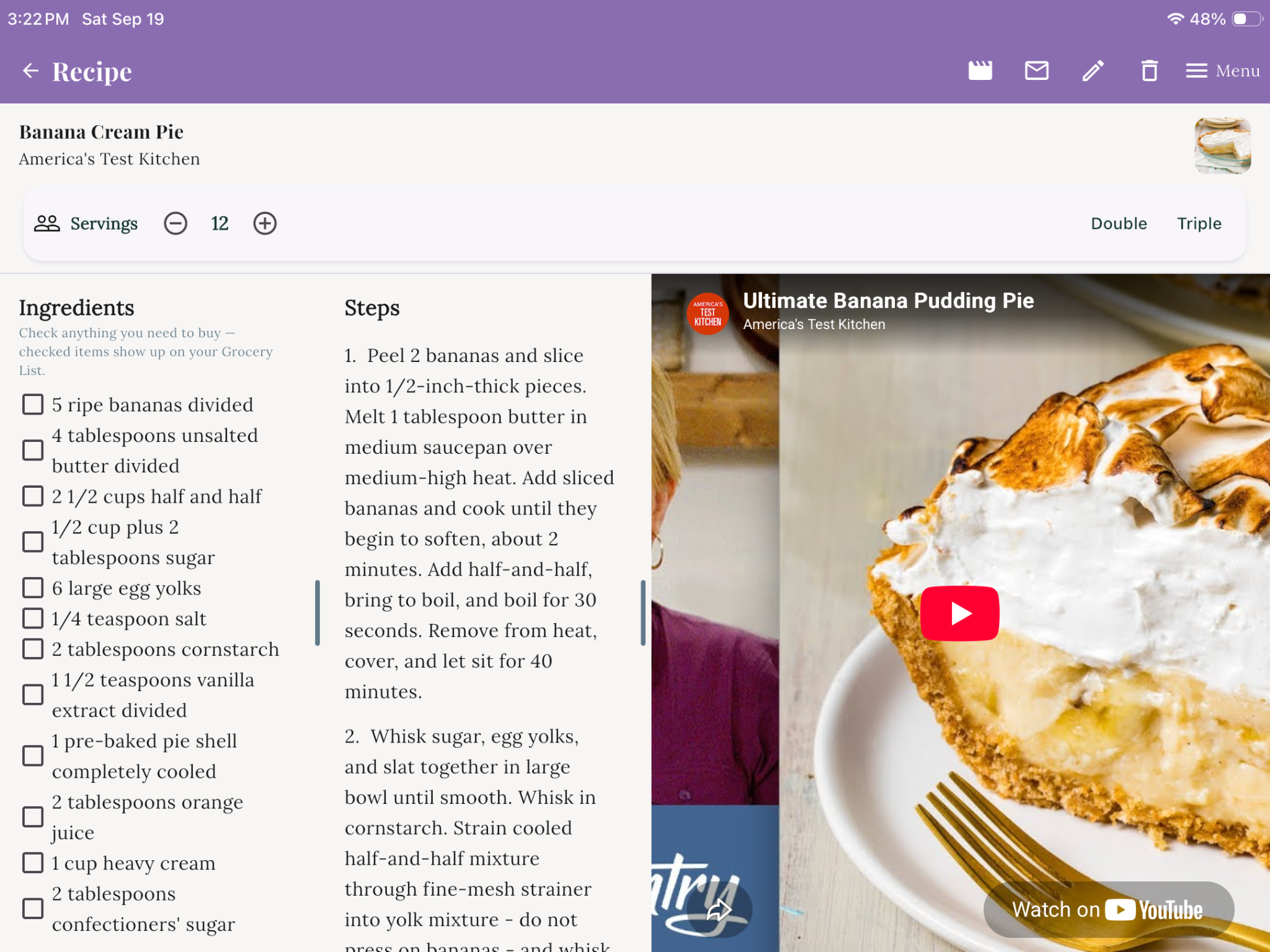
On your tablet, follow a recipe video right beside the ingredients and steps, without switching screens.
Watch the Cook-Along tutorial →Your recipes are saved to your own Google Drive or iCloud. No new account or subscription. Photos stay on your device, so they’re available offline.
On a tablet, watch the recipe video alongside the ingredients and steps.
See ingredients above steps on a phone, or side by side on a tablet. Drag the divider to suit how you cook.
Turn a handwritten recipe card, cookbook page, or your own subscription screenshot into a recipe. Your first 5 imports are free; 25 more credits cost $2.99.
Turn your recipe collection into an e-book to send to your Kindle or open in Apple Books.
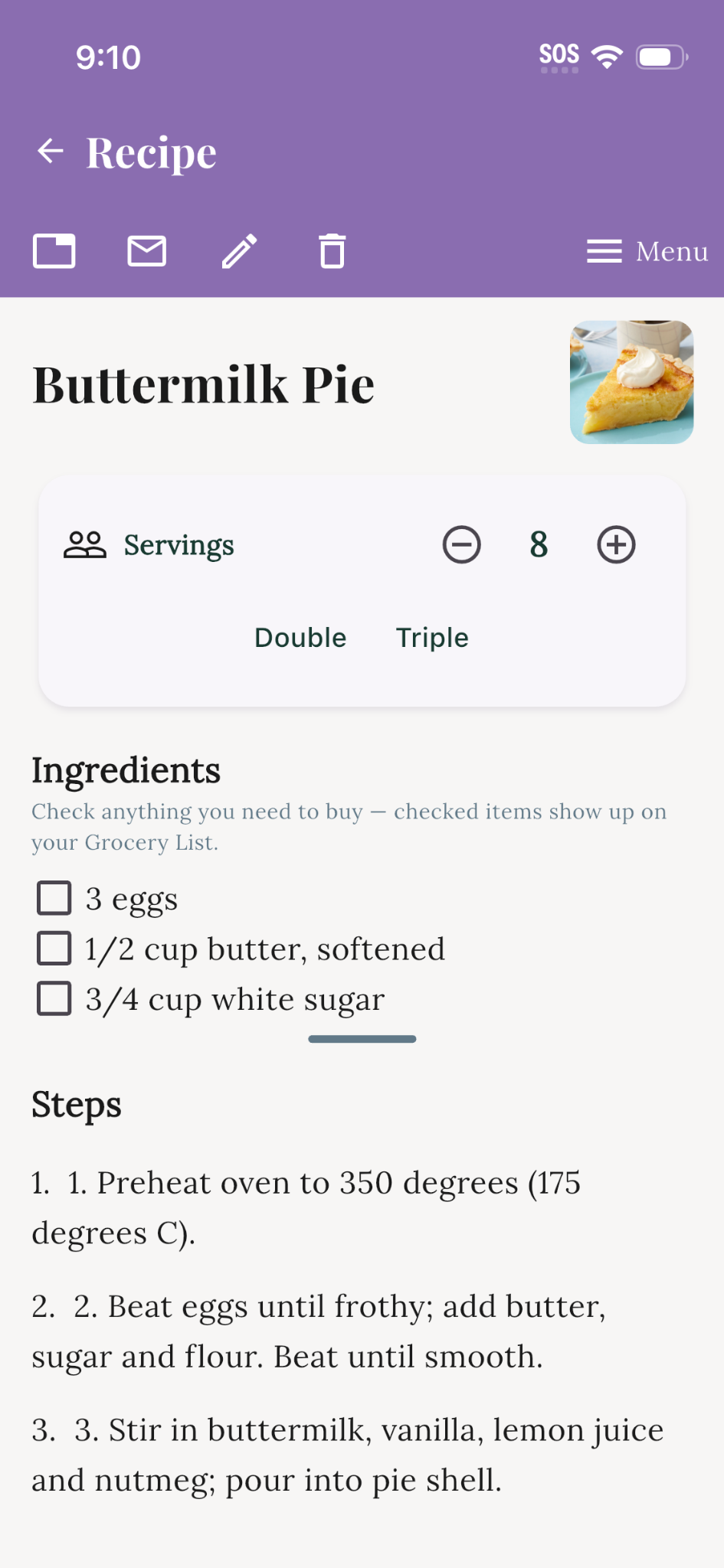
Check ingredients you need and build a shopping list from your recipes.
Double or triple a recipe, and switch between metric and US units.
Keep the screen awake while you cook.
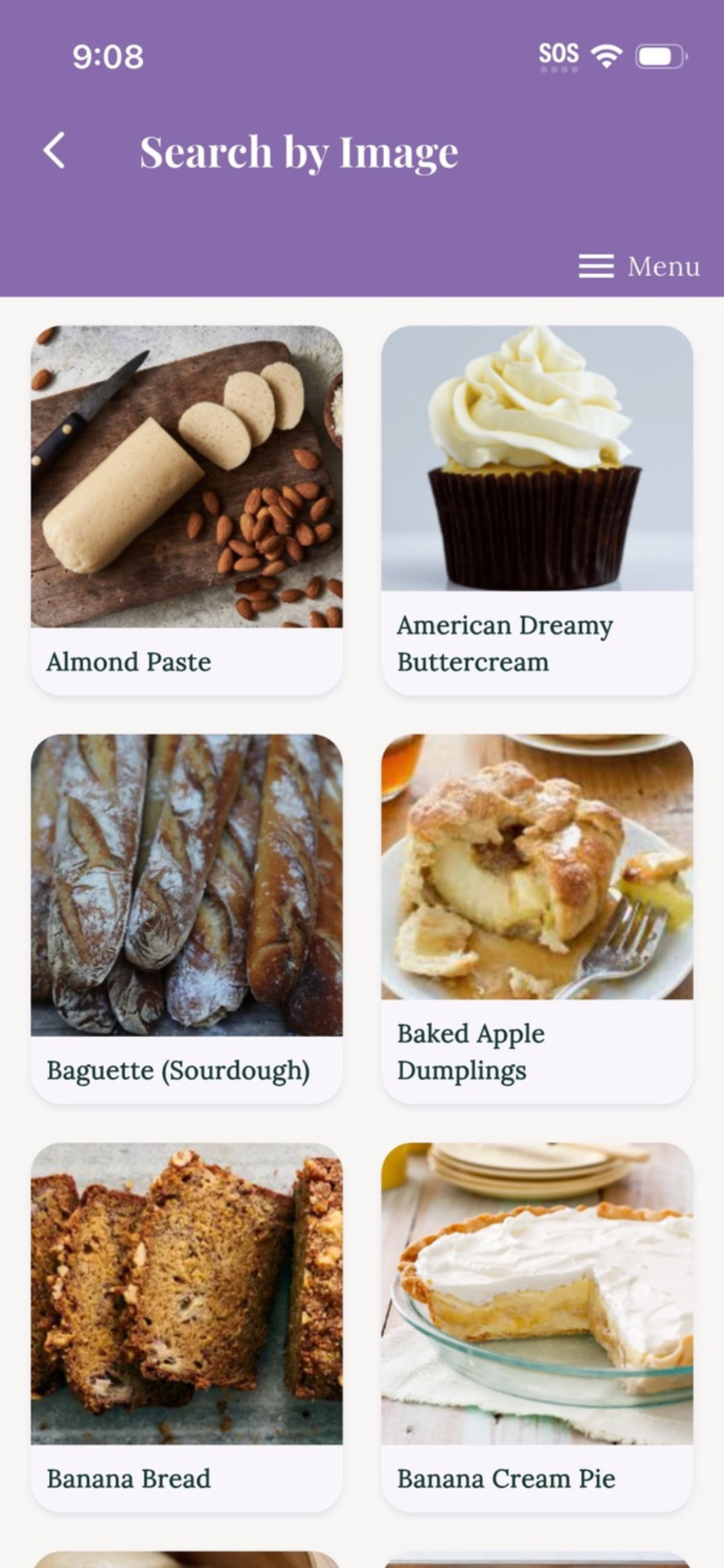
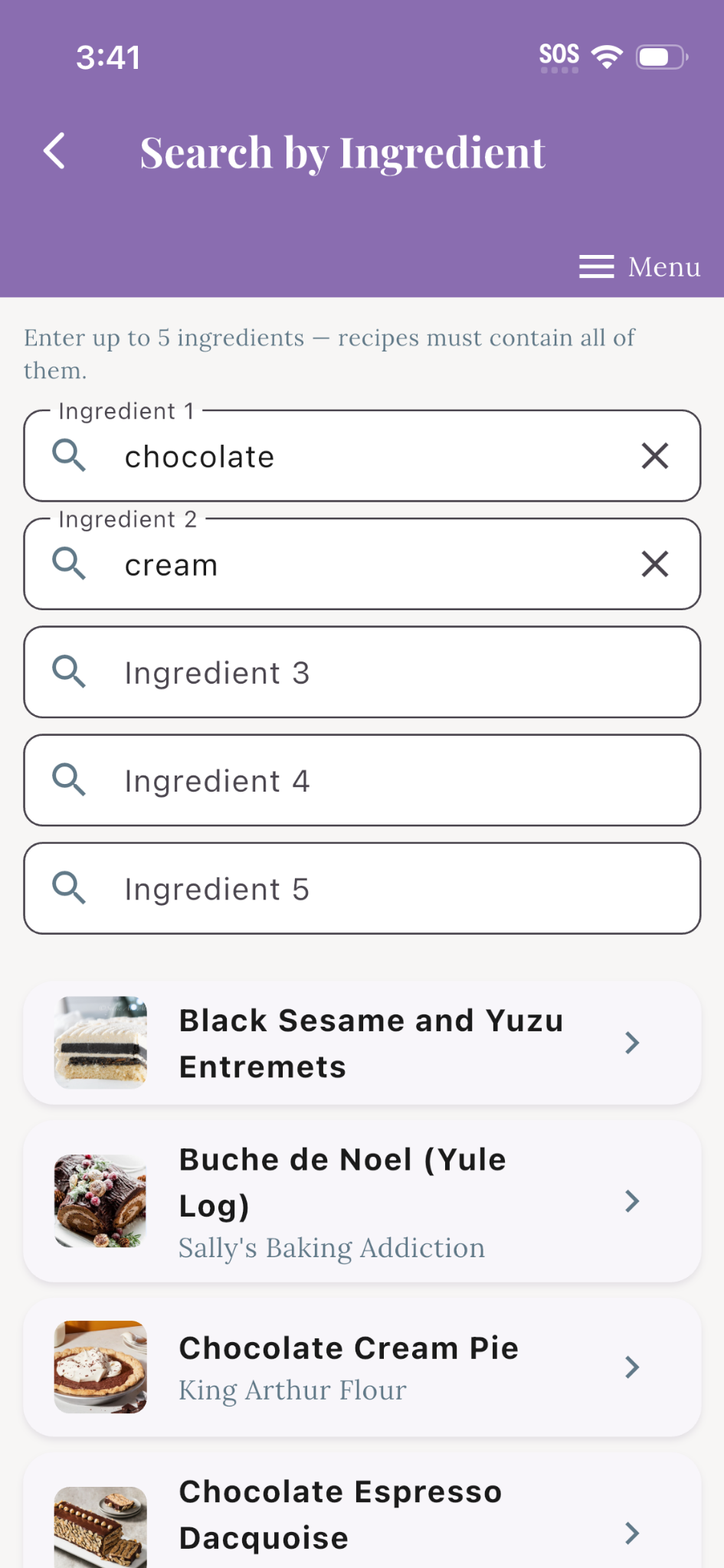
Search by ingredient, photo, collection, holiday, or tag.
Restore your recipes from Google Drive or iCloud, with a guide for moving to a new phone.
Browse recipes visually, adjust servings, find recipes by ingredient, and cook along with helpful videos.
Meet Cook-Along and learn how to bring recipes into your collection using a photo.
Discover recipes worth keeping from independent recipe creators at Drawer Recipes.