Tutorial 1
Getting Started with Paycheck Planner
Walk through the initial setup so your jobs, income, categories, and preferences are ready before you begin planning paychecks.
Watch on YouTube →
Available Now
Budget by paycheck, not by month.
Plan bi-weekly and semi-monthly paychecks, organize bills, manage multiple jobs, track transactions, and see exactly what remains before payday.
New to Paycheck Planner?
Watch these quick walkthroughs to set up Paycheck Planner and create your first paycheck. You can follow along without leaving this page.
Walk through the initial setup so your jobs, income, categories, and preferences are ready before you begin planning paychecks.
Watch on YouTube →Follow along as you create and plan your first paycheck, choose what it needs to cover, and see what remains before your next payday.
Watch on YouTube →Budget Around Real Paydays
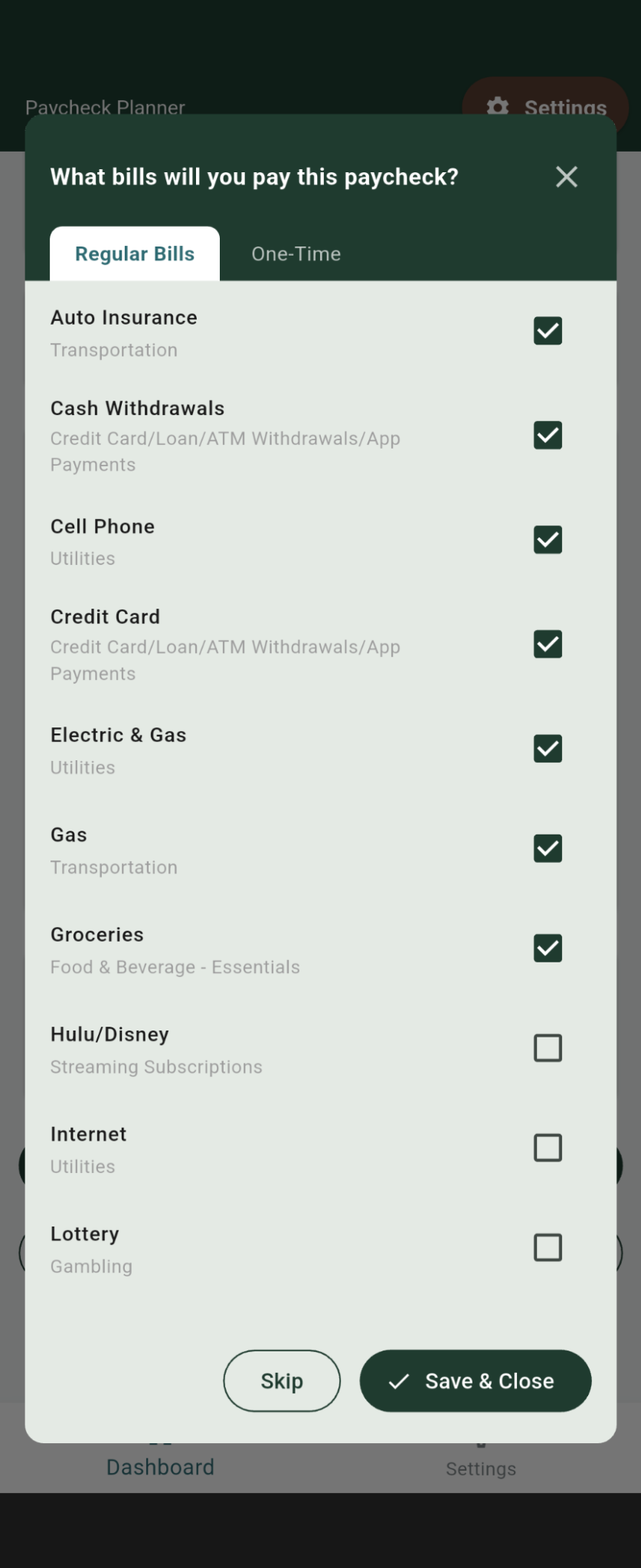
Monthly budgets can hide the timing problem: a bill may be affordable for the month but still arrive before the paycheck meant to cover it. Paycheck Planner lets you choose the regular and one-time bills assigned to each payday.
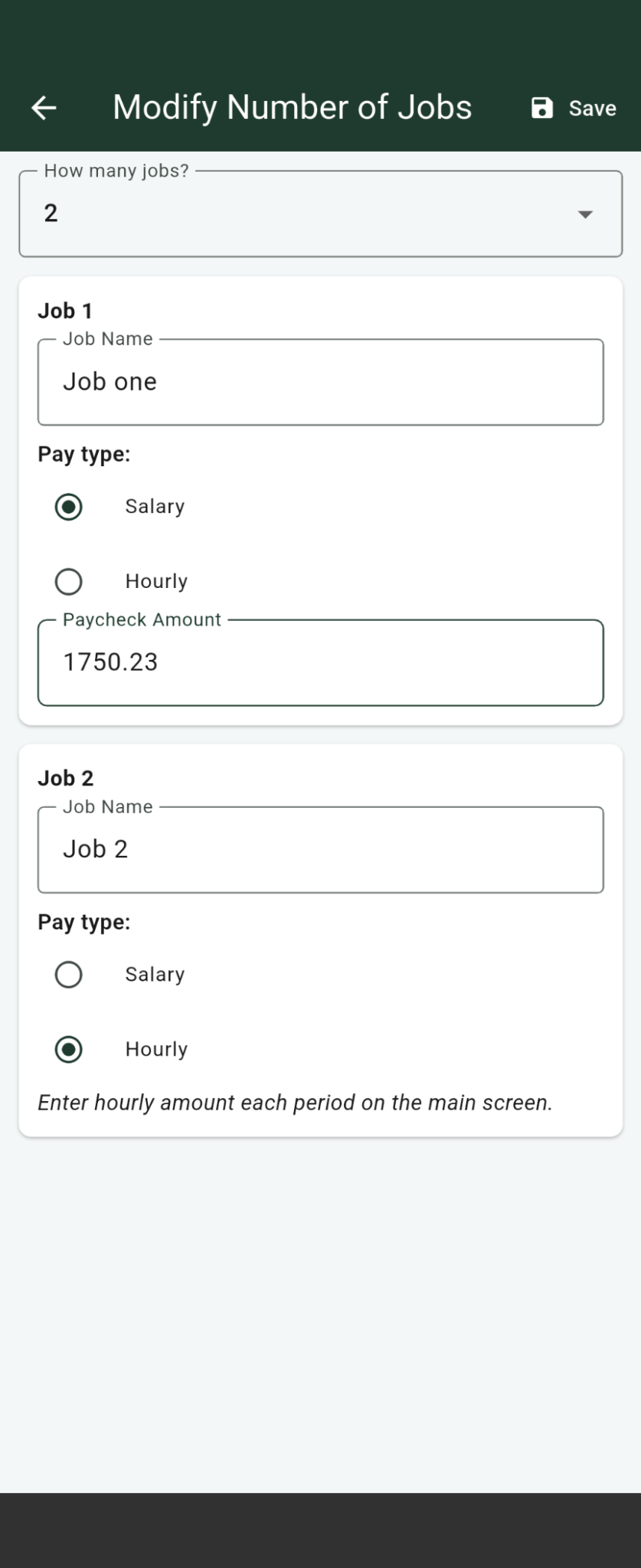
Set up salary or hourly income for more than one job. Update variable paycheck amounts when needed and see combined income alongside bills, spending, and available funds.
Enter transactions directly, organize them by category and payee, monitor checking and savings, and review monthly or yearly reports without connecting a bank account.
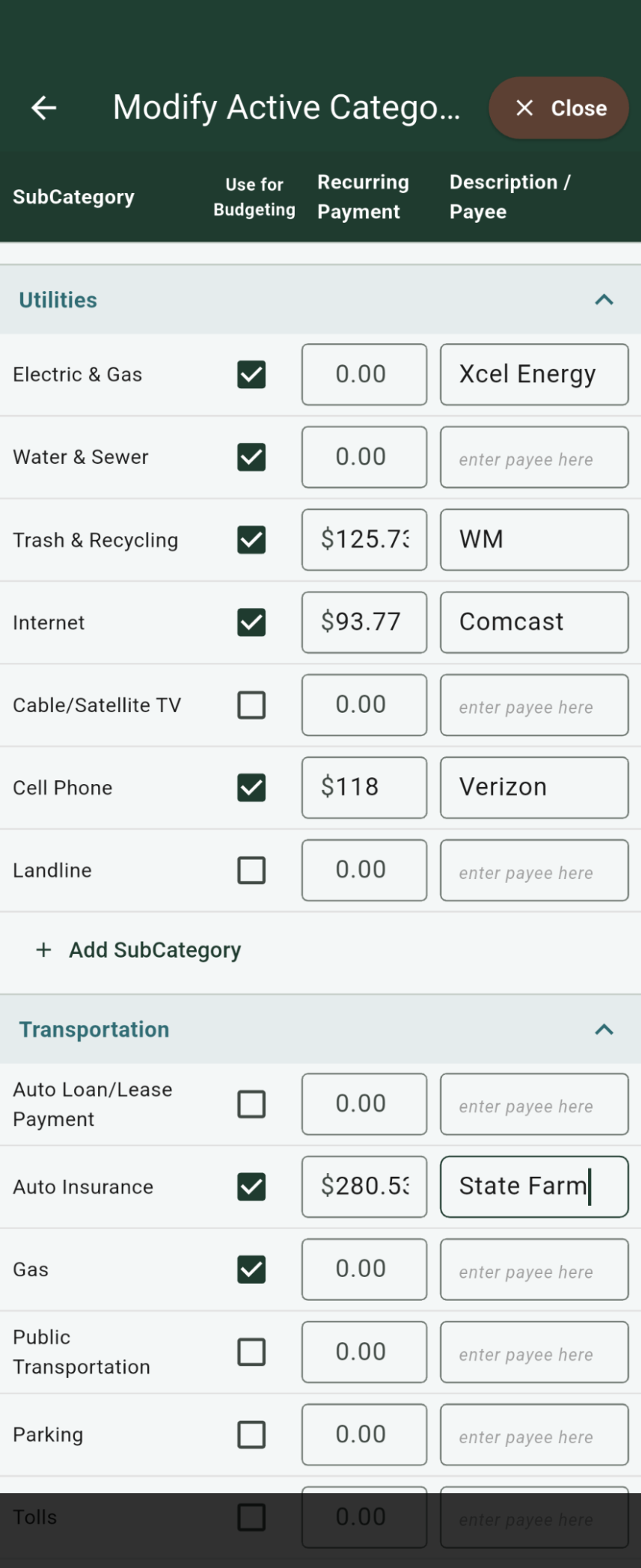
Keep recurring AutoPay bills organized and get reminders for upcoming payments, so they are part of your paycheck plan.
Account for purchases paid with a credit card alongside debit card and cash spending, so your budget reflects what you have committed to spend.
Paycheck Planner is available for Android, iPhone, and iPad for a one-time $4.99 purchase. There is no subscription and no advertising.
Enter your income, choose the bills you will pay, and see your remaining money before spending it.
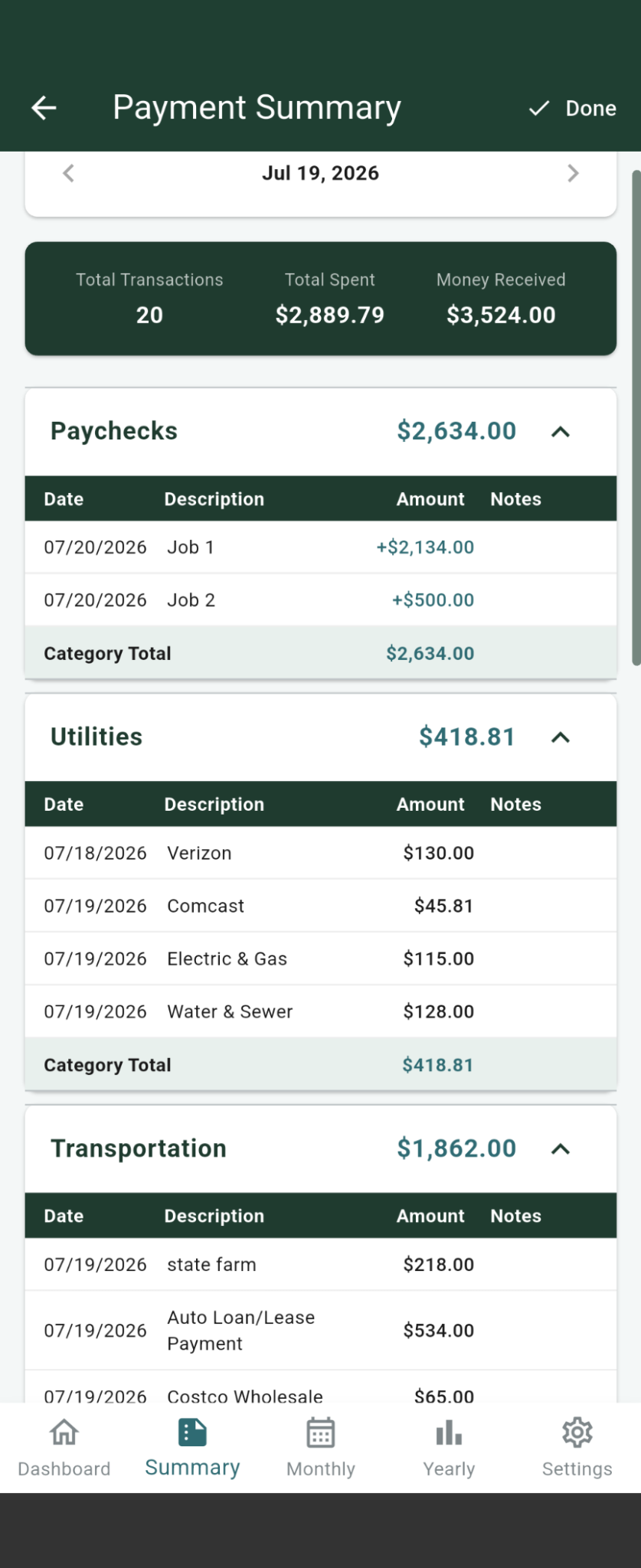
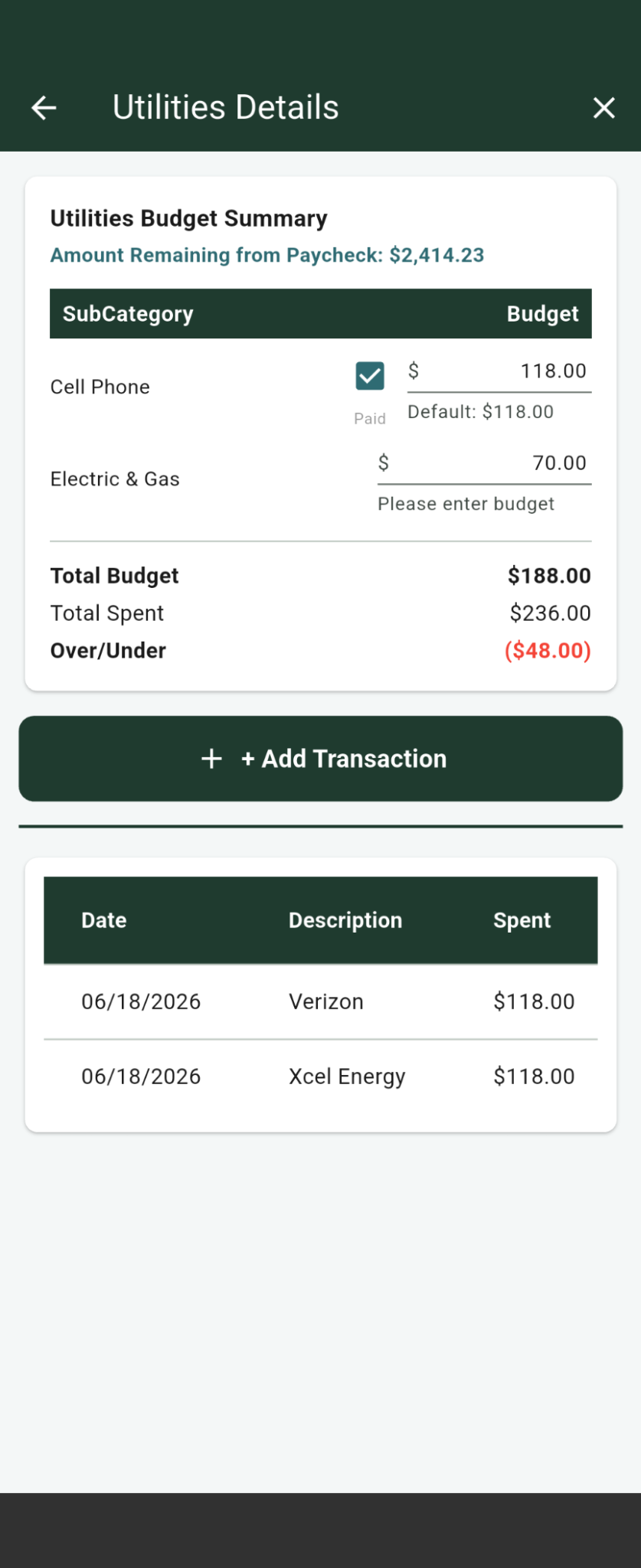
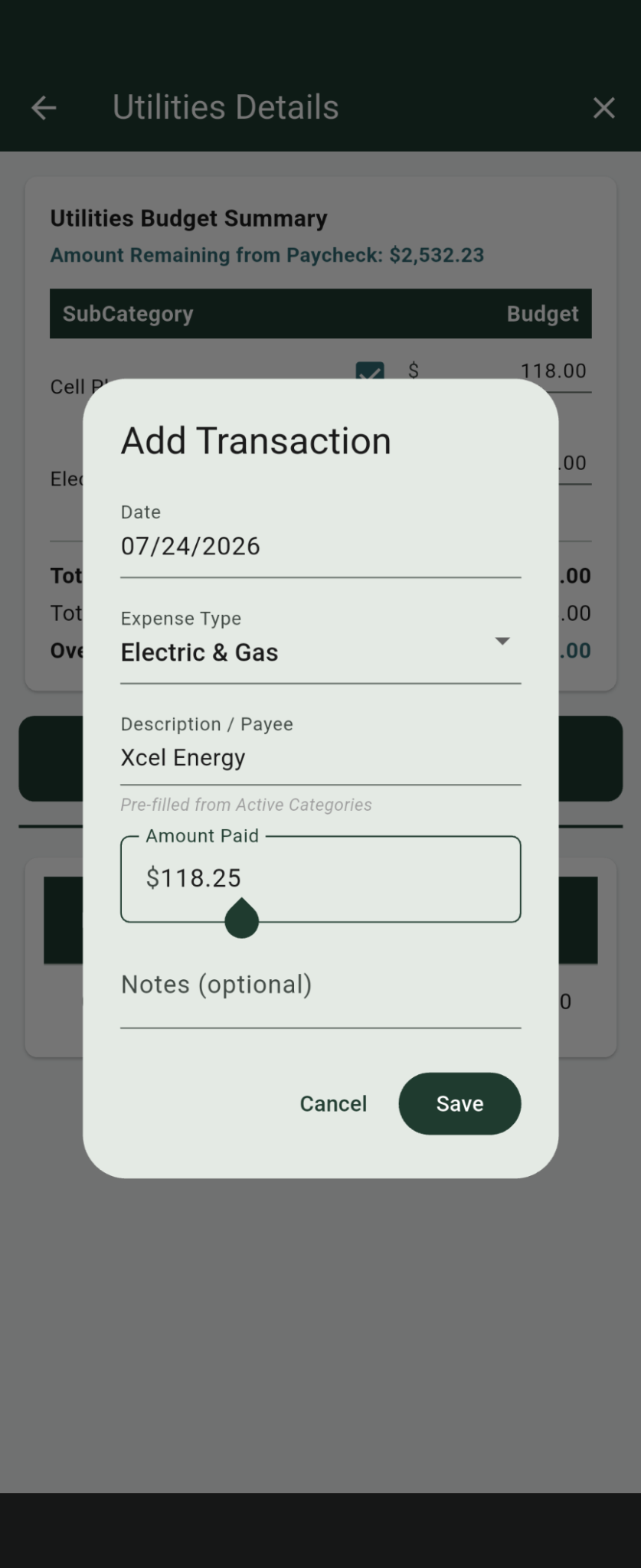
Record transactions, compare budgeted and spent amounts, and review complete payment summaries.
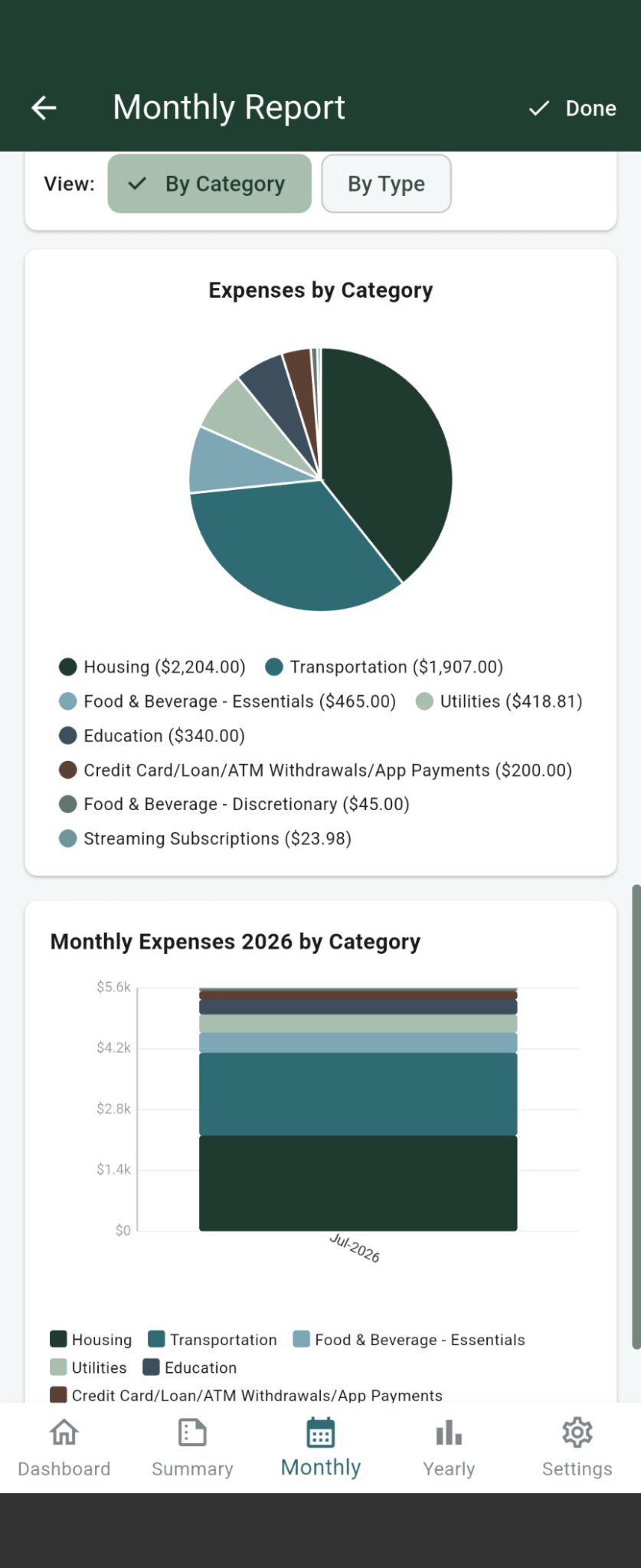
Use monthly and yearly reports to understand spending by category and expense type.
App Overview
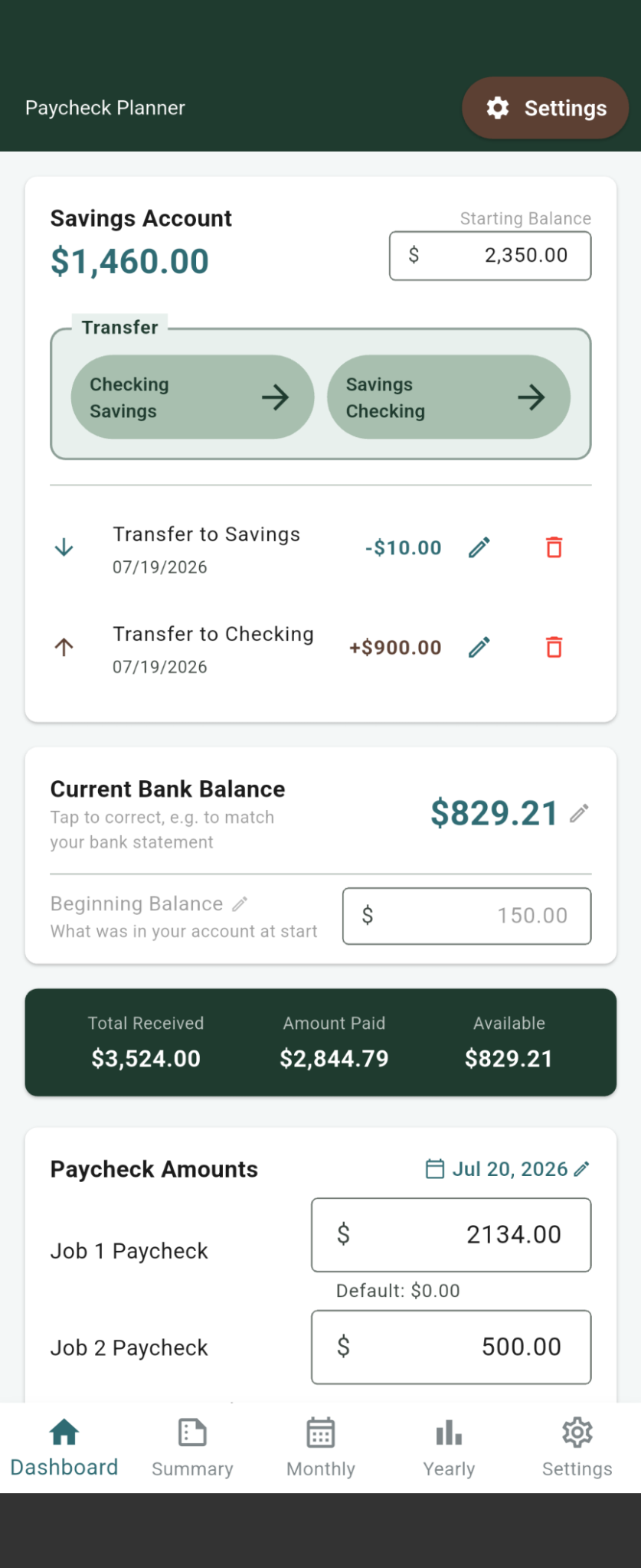
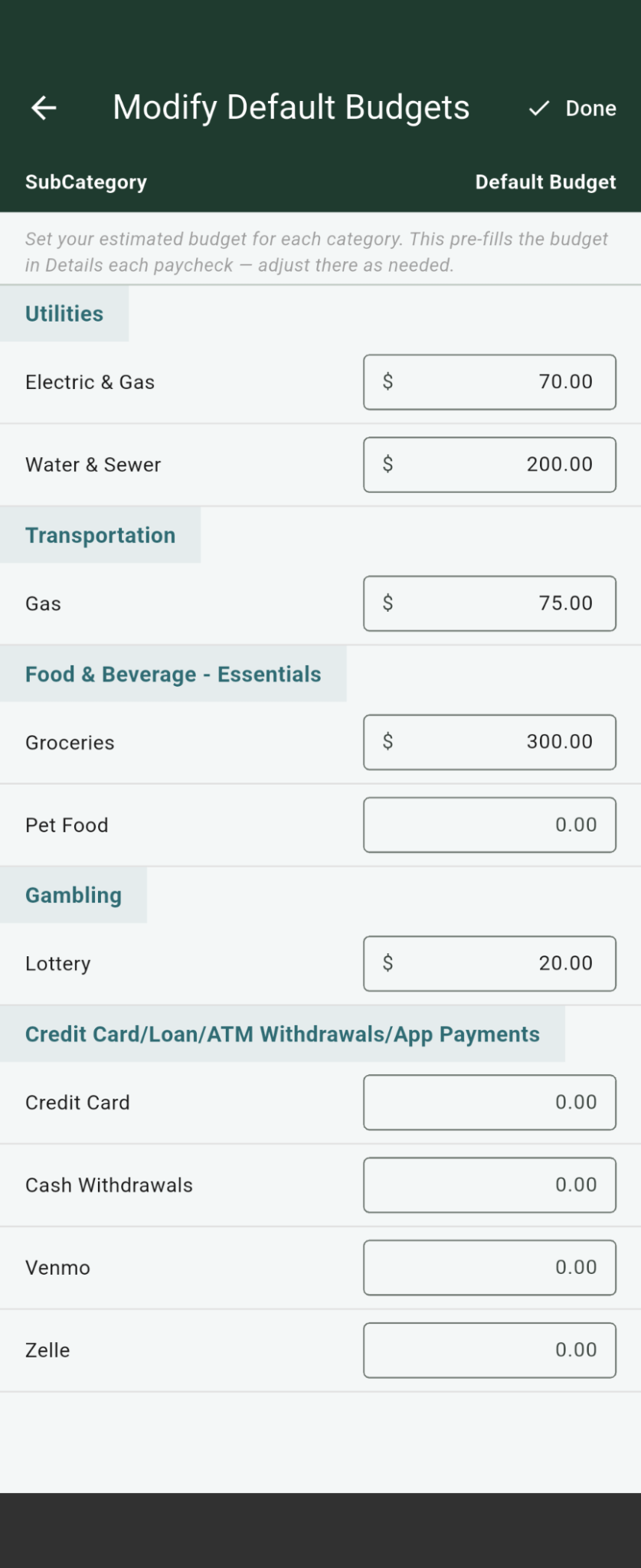
The latest screenshots show the app's expanded dashboard, reporting, job setup, budget customization, bill selection, and transaction tools.
Frequently Asked Questions
Paycheck Planner is a budgeting app for iPhone, iPad, and Android that helps you organize bills and expenses around each actual payday instead of relying only on a monthly budget.
Yes. You can set up multiple jobs and identify each job as salary or hourly income.
No. Paycheck Planner does not require a bank connection. You enter and manage your information directly in the app.
No. Paycheck Planner is a one-time $4.99 purchase with no recurring subscription.
No. Paycheck Planner does not contain ads.
The information you enter is stored locally on your device. Paycheck Planner does not transmit your budgeting data to external servers.
Yes. The app includes savings balances and transfers between checking and savings.
Yes. Paycheck Planner includes payment summaries plus monthly and yearly reporting by category and expense type.
Yes. Paycheck Planner includes CSV export.
Download Paycheck Planner from Google Play or the Apple App Store for a one-time purchase of $4.99.
Follow My Impossible Things